
You are using an out of date browser. It may not display this or other websites correctly.
You should upgrade or use an alternative browser.
You should upgrade or use an alternative browser.
Land escapism
- Thread starter Draken413o
- Start date


Draken413o
Senior Member
Thanks man! I knew you'd like it! lolOh yes!! It is totally breath taking :thumbsup:
The sky is just so bloody awesome!
Thanks! Errmm.. some of the panos are hdr, I try to set the same shutter and apertures and wb for all the photos so that there won't be colour shifts and stuff. After that I put them in photoshop and edit it to the finished product.The last piece is just simply aweson
Like to ask for the pano do you just use 1 exposure or a few & to blending to get
the wonderful color?
Yes! I was about to go riding but instead I saw the sky and spent some time with it instead. hahah I still went riding though. =)The sky in the last pic is stunning. Yesterday saw the awesome sky from my office but too bad didnt have my camera

soulFLY
Senior Member

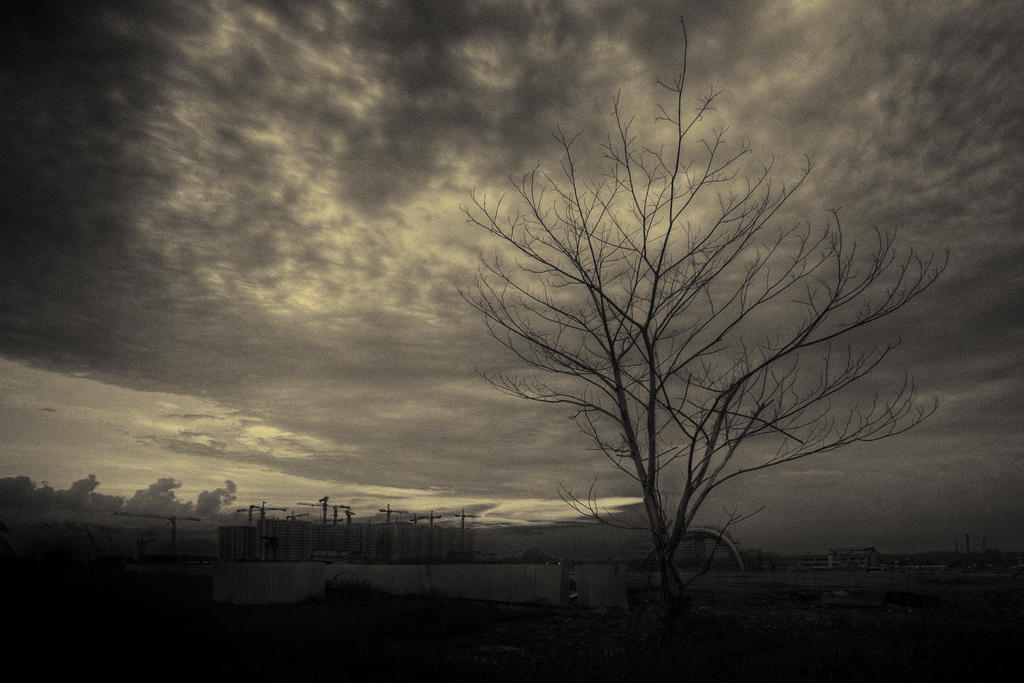
WasteLand
Beautiful balance of highlights and shadows.
Good quality B+W...well done..
however, I find unpleasant verticals towards the end of the building...
Maybe due to UWA and where you stand composing this shot...
Draken413o
Senior Member
Beautiful balance of highlights and shadows.
Good quality B+W...well done..
however, I find unpleasant verticals towards the end of the building...
Maybe due to UWA and where you stand composing this shot...
Hi Thomas, you mean the right most building last floor? Yeah due to the location it was quite hard to move around literally.. lol we were in the mud.
Draken413o
Senior Member
D Kay

Behind White Fences
Thanks! Errmm.. some of the panos are hdr, I try to set the same shutter and apertures and wb for all the photos so that there won't be colour shifts and stuff. After that I put them in photoshop and edit it to the finished product.
So u tone-mapped for each scene then stitch em together or stitch first the hdr?

MGohzxc
Senior Member
hahaha ok that means i'm very young! not bad not bad! Err I actually just create another layer of the original photo and expand it in photoshop cs5. To expand just press ctrl+t and hold shift and drag the corners of the photo. =)
Hi BROTHER Draken413,
I have tried it and somehow it works now. Thanks. Teach me more ya.. Love all pictures.:thumbsup:

wildcat
Senior Member
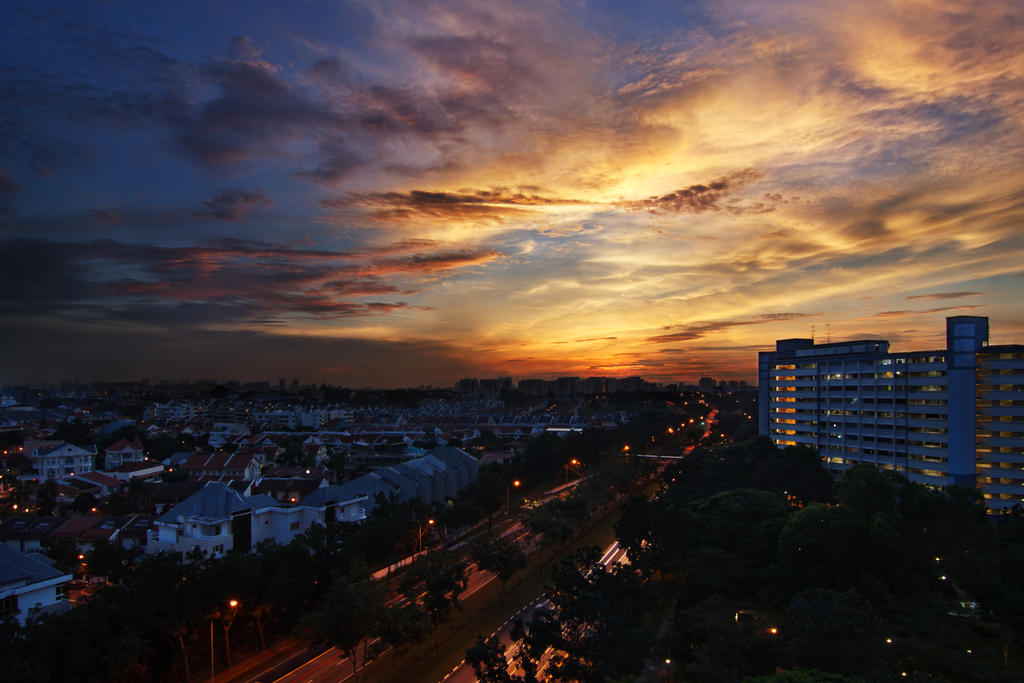
I Missed you so..
D Kay
Two very different, but both feels just drama, very powerful in their own way :heart: love em both!!
Draken413o
Senior Member
Thanks man!bro "D Kay" is so nice and there's a sense of feel to it..
feels very lonely
Yeap I tone mapped it in photomatix and used the same settings for each hdr. Then I put them in autopano giga to do the panorama.So u tone-mapped for each scene then stitch em together or stitch first the hdr?
hehehe ok sure just ask. =)hahaha ok that means i'm very young! not bad not bad! Err I actually just create another layer of the original photo and expand it in photoshop cs5. To expand just press ctrl+t and hold shift and drag the corners of the photo. =)
Hi BROTHER Draken413,
I have tried it and somehow it works now. Thanks. Teach me more ya.. Love all pictures.:thumbsup:
Thanks Bernard!Two very different, but both feels just drama, very powerful in their own way :heart: love em both!!

r00ki3
New Member
D Kay
Behind White Fences
Fierce man! I heart lah lol!! :thumbsup::thumbsup:
I should have dropped by your place yesterday to take the sunset also ..hehe
wildcat
Senior Member
Yeap I tone mapped it in photomatix and used the same settings for each hdr. Then I put them in autopano giga to do the panorama.
Autopano giga huh? :think: OK thanks!

Yeap I tone mapped it in photomatix and used the same settings for each hdr. Then I put them in autopano giga to do the panorama.
Oh I see, will go try it out. Thanks for the help
 Looking forward to more great shots from u
Draken413o
Senior Member
Autopano giga huh? :think: OK thanks!
Oh I see, will go try it out. Thanks for the help
Will be posting one extensive piece I am processing now. Look out for it! =)
Draken413o
Senior Member
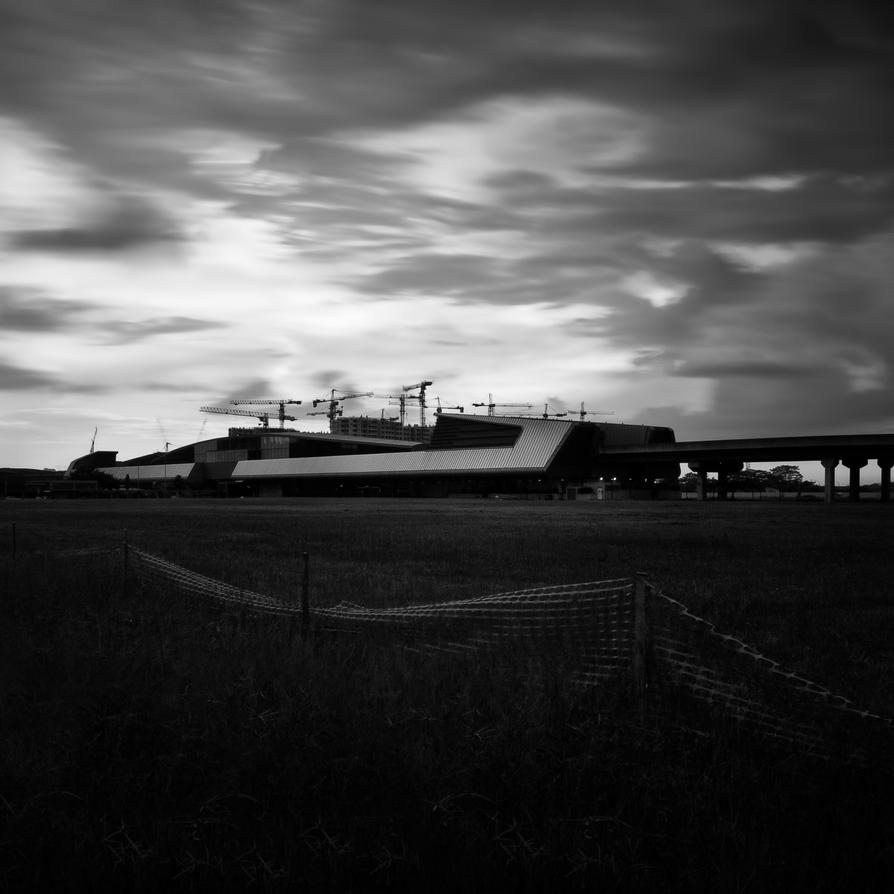
spaceshuttle
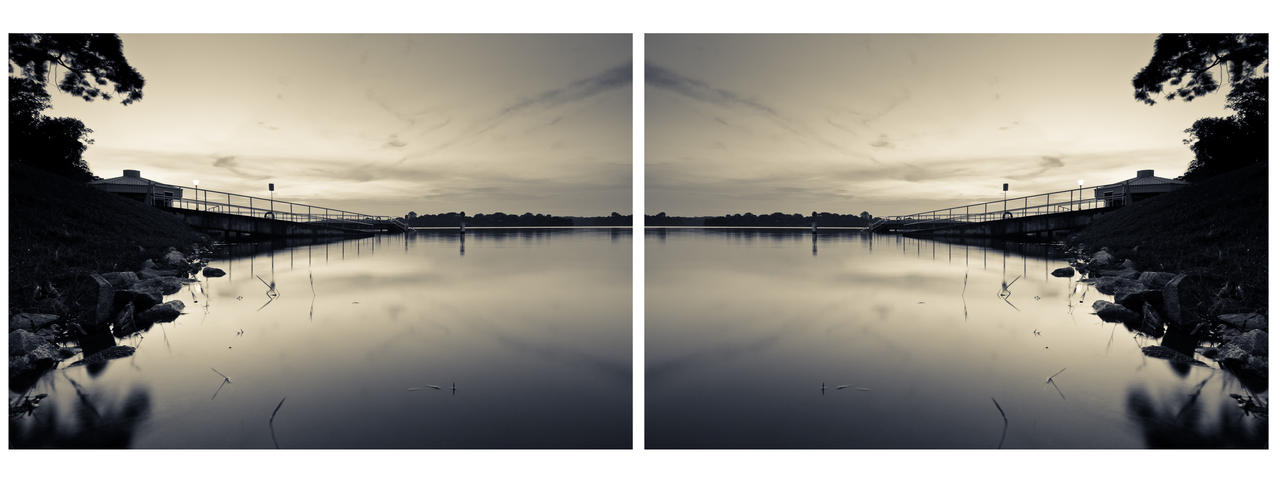
Double Battlebox
Draken413o
Senior Member
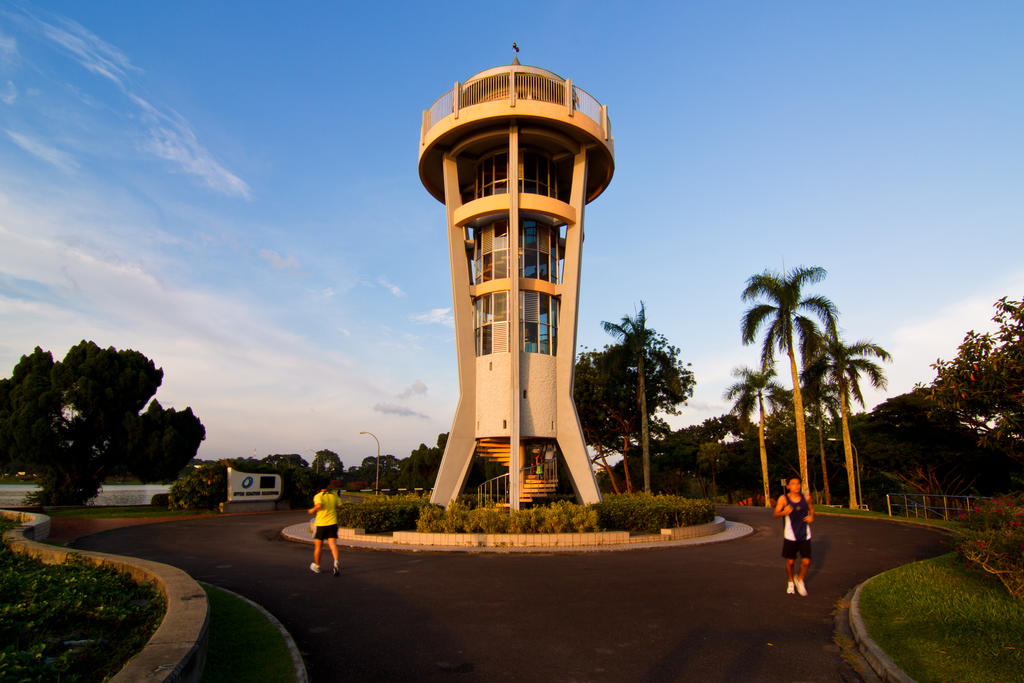
Runaround
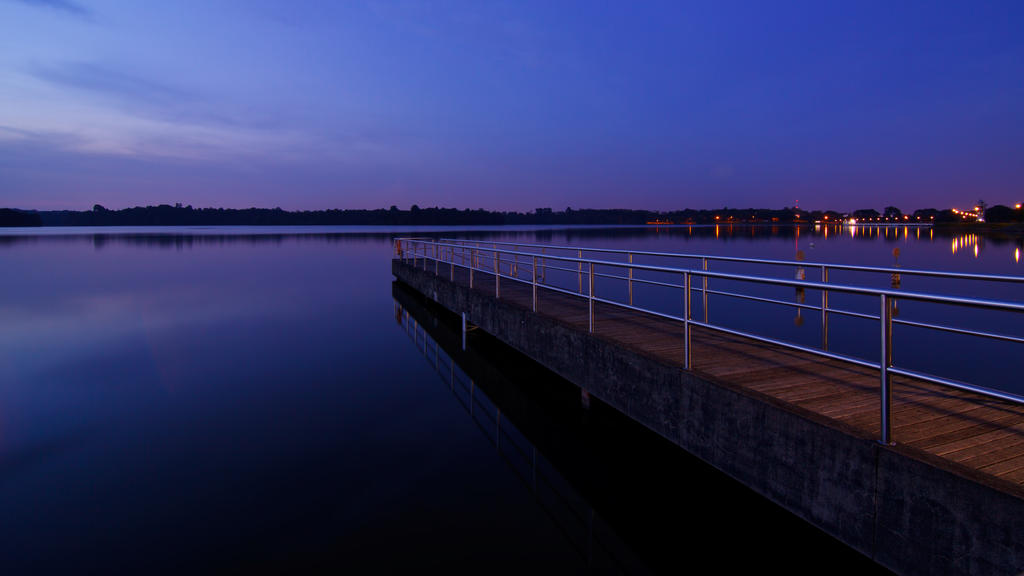
Jesus Walks
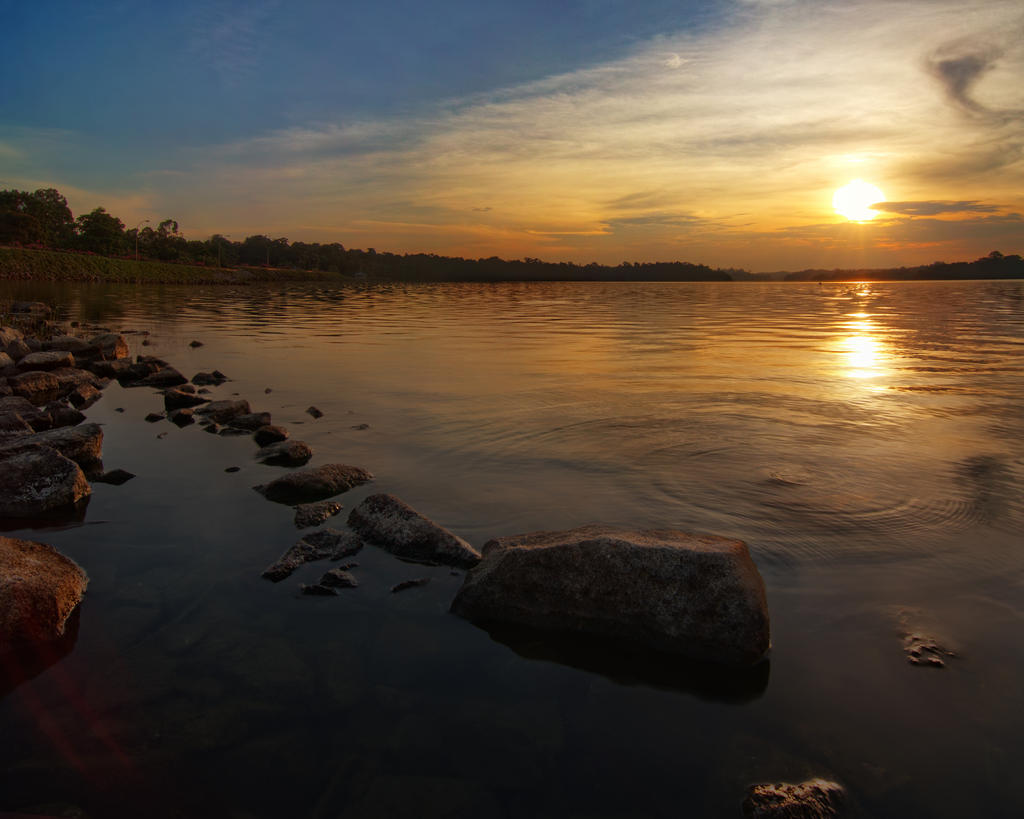
Pilgrimage
Draken413o
Senior Member
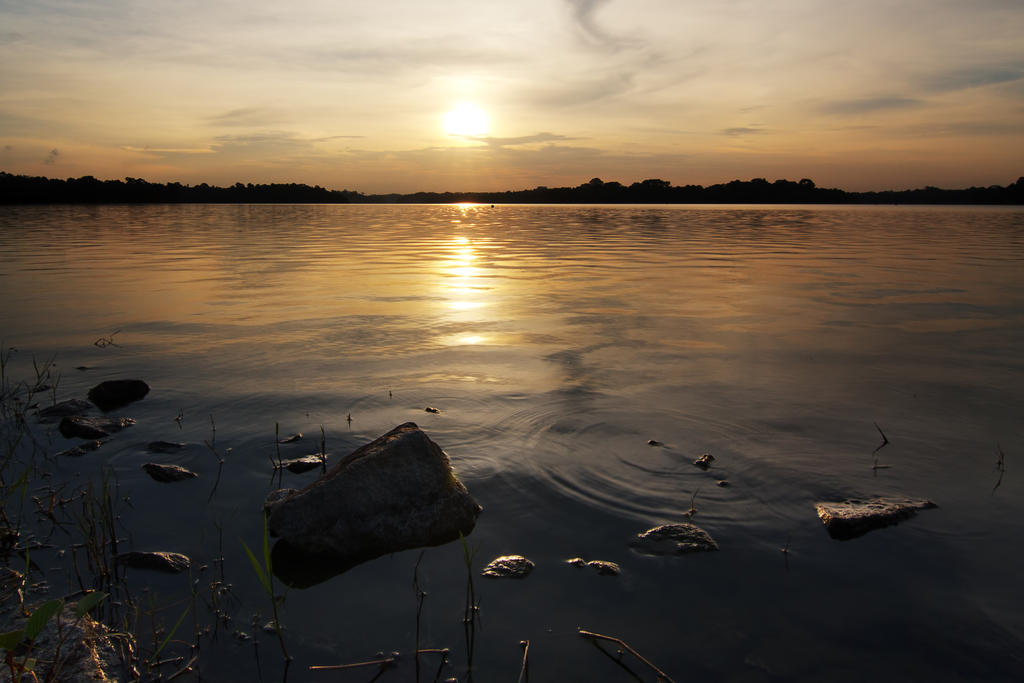
Sawyer

ZerocoolAstra
Senior Member
Love this one man :thumbsup:
WasteLand
I think the vertical perspective was slightly over-corrected here. Somehow the right-most block of flats seems wider at the base than the top... Maybe, as soulFLY mentioned, it has to do with your shooting position and use of UWA. The flats are close to the right-edge of the frame after all.
but the tones and the LE.... WOW... just took my breath away!

Similar threads

- Replies
- 0
- Views
- 191
- Replies
- 0
- Views
- 189
- Replies
- 0
- Views
- 176
- Replies
- 0
- Views
- 197
- Replies
- 0
- Views
- 197