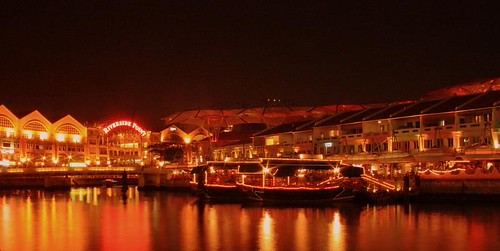
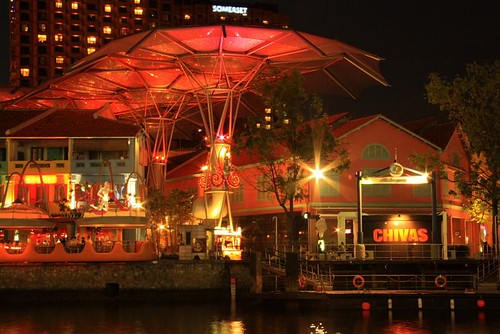
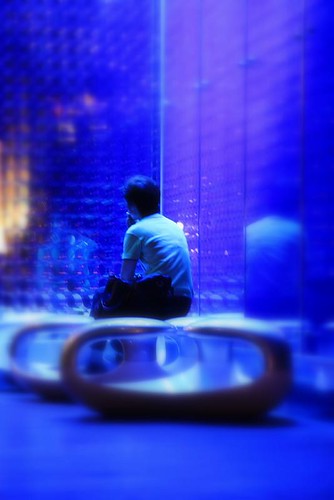
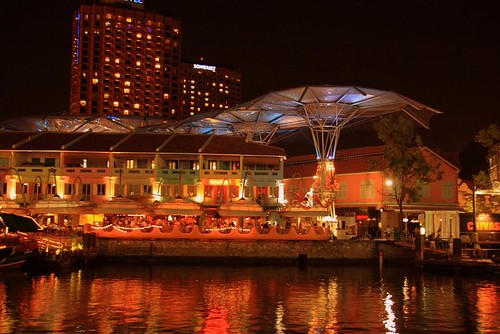
:thumbsup:.. notice the color hue is abit red, maybe try adjusting the white balance or other picture style. The 3rd one is pretty bluish however... continue to shoot and discover... it's a joy.
:thumbsup:.. notice the color hue is abit red, maybe try adjusting the white balance or other picture style. The 3rd one is pretty bluish however... continue to shoot and discover... it's a joy.
I've also taken some pix .. and the colors were either too orange or too red...... but since the shot is taken from far, will changing the white balance to tungsten help? Any other ways to help rectify this?
I've also taken some pix .. and the colors were either too orange or too red...... but since the shot is taken from far, will changing the white balance to tungsten help? Any other ways to help rectify this?
Changing the WB to Tungsten will remove the orange cast and turn out more bluish.
Another reason could be the setting. Check if the Saturation have been set to Enhance. If you set the Saturation setting to Enhance, there is more red cast in the photos.
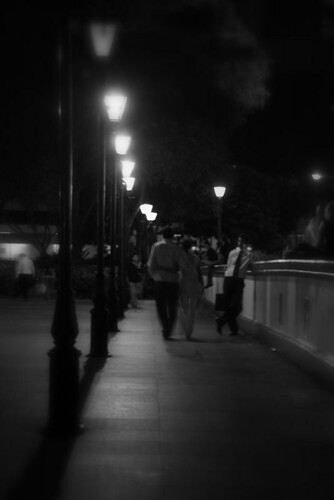
Could add catchy tag line to make the photo more interesting, especially for street photography, so that every picture tells a story. For example the above photo, the guy leaning on the rail is staring at the lovely couple walking past him, what thoughts would come to your mind? perhaps "ENVIOUS"?
I've also taken some pix .. and the colors were either too orange or too red...... but since the shot is taken from far, will changing the white balance to tungsten help? Any other ways to help rectify this?
Use PS to change the WB settings by altering the color curves... i think there's also customised WB settings on cam, not necessary to use the presets if all of them dun suit u...
Use PS to change the WB settings by altering the color curves... i think there's also customised WB settings on cam, not necessary to use the presets if all of them dun suit u...